PNG and JPG to SVG — see the whole result before you pay
The traced vector renders at full quality, free. When it looks right, a $9.99/month plan downloads it as SVG, PDF, EPS or hi-res PNG.
The converter
Drop a PNG or JPG hereChoose a PNG or JPG

From PNG to SVG in three steps
Unpixel traces your image on our server and shows you the finished vector before you pay for anything.
Drop a PNG or JPG
A logo, icon, badge, wordmark or piece of clip art, up to 30 MB. Drag it onto the page, pick it, or paste it from your clipboard.
Check the whole result
The preview is the finished vector at full quality, and it is free: no watermark, no account, zoom to 8×. Change the mode, the colours or the cleanup and it traces again.
Download when it looks right
The $9.99/month plan downloads it as SVG, PDF, EPS or hi-res PNG, with your edits applied. Cancel any time.
An SVG you can actually edit
Not a picture wrapped in an SVG file: real paths, in the colours your artwork uses, ready for whatever you open them in.
Curves where your artwork put them
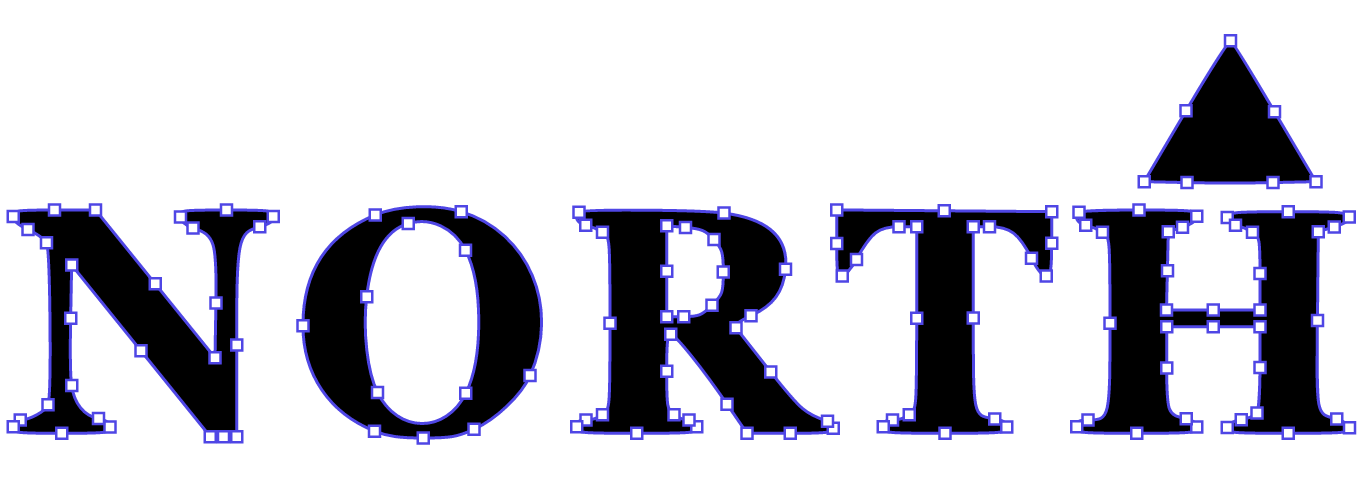
Each edge is placed from the anti-aliasing to a fraction of a pixel instead of snapping to the pixel grid, and drawn with as few anchor points as the shape allows. A crisp logo traces to one path and 70 anchor points.
Colours counted the way you count them
Unpixel finds the inks your artwork really uses — a five-colour logo comes back in five colours, not fifteen near-twins — and in the preview you can hide, recolour or merge layers before you download.
Files for web, design and print
SVG for the web and design apps, PDF and EPS for print, PNG at 1×, 2× or 4× — each sized in pixels, millimetres or inches, with your layer edits carried into the file.
Nothing kept, nothing invented
Your image is traced in memory: not written to disk and not kept, beyond a short cache so that zooming does not trace it again. The trace is plain geometry — the same image with the same settings gives the same SVG, byte for byte.
What people ask before they drop an image
Is the preview really the full result?
Yes. It is a server-rendered picture of the finished vector at full quality — no watermark, no reduced detail, every control live. Zoom to 8× and each level is drawn again from the vector. What the plan adds is the file itself.
What kind of images trace best?
Logos, icons, badges, wordmarks, clip art and other flat artwork. Photographs and gradients come back posterized — smooth tone becomes a few flat steps of colour — and the preview shows you exactly that before any payment.
What does the plan cost, and how do I cancel?
$9.99 a month in US dollars, for unlimited SVG, PDF, EPS and PNG downloads. Cancel any time from the billing portal — the link is emailed to you. Access runs to the end of the period you paid for, and a first subscription has a 14-day no-questions refund.
Do I need an account?
No. Previews need nothing at all. Buying needs an email address at checkout; your access is tied to that address and comes back on any device through a one-time emailed link.
What happens to my image after I upload it?
It is traced in memory on our server and rendered for the preview. It is not written to disk and not kept, beyond a short in-memory cache so that zooming does not trace it again.
Which formats can I download?
SVG, PDF and EPS, plus PNG at 1×, 2× or 4× — each sized in pixels, millimetres or inches, with your layer edits applied.
See your artwork as a clean SVG
The complete vector at full quality, before you decide anything.
Also: PNG to SVG · JPG to SVG · SVG converter · the guide to every control