Unpixel PNG / JPG → SVG Convert an image
Features

Pixels in. Clean vectors out. See it all before you pay.

Unpixel traces a PNG or JPG into a clean, layered SVG. The preview shows the finished vector at full quality — no watermark, no account. When it looks right, a $9.99/month plan downloads it as SVG, PDF, EPS or hi‑res PNG.

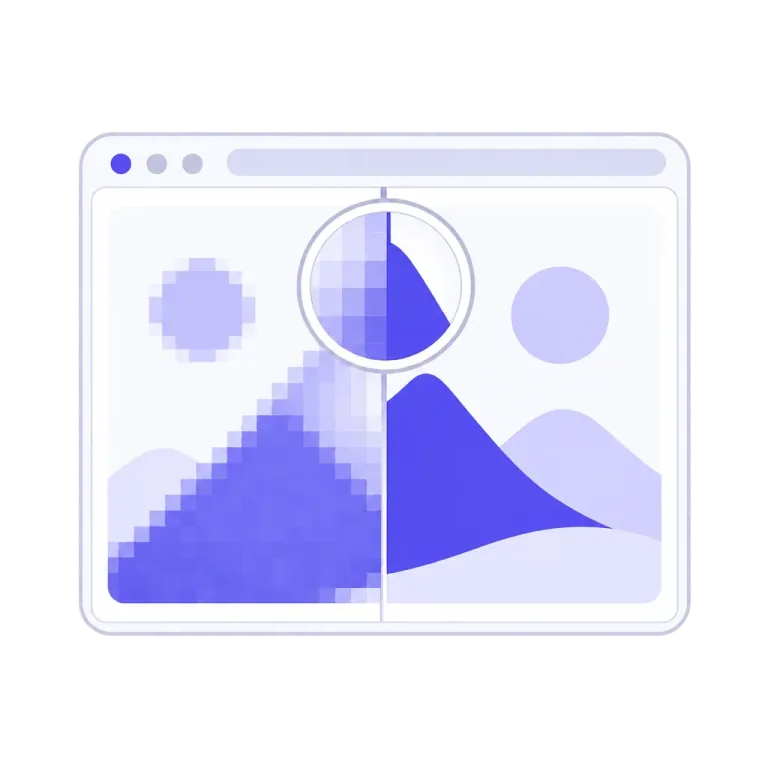
A browser window whose picture is split down the middle — coarse pixels on the left, smooth vector shapes on the right — with a loupe over the seam showing a crisp edge
The Full-Proof Preview

The complete result, before any payment.

Every trace renders the finished vector at full quality — unwatermarked, every control live, as many traces as you like. Zoom to 8× and the preview re-renders razor-sharp from the vector itself; switch on Outlines and see the curve network you'd be buying.

  • Zoom to 8×
  • Outlines view
  • No account
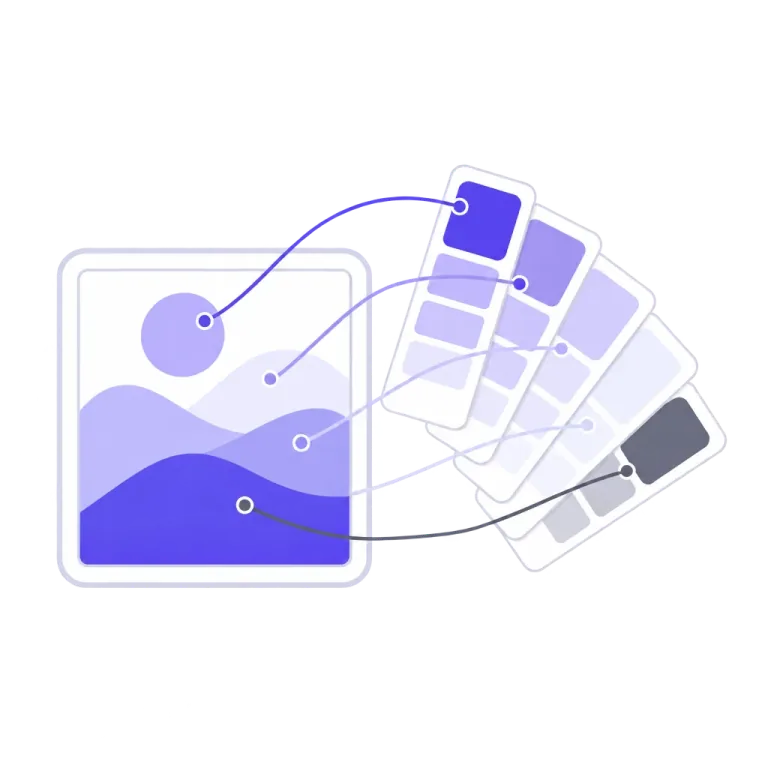
A framed artwork beside a fan of paint swatch cards, guide lines linking each colour region of the artwork to its matching swatch
Chromatic Seat Logic

Colours counted the way your eye counts them.

Ask an ordinary quantizer for a five-colour logo and you get fifteen back. Unpixel reads only the artwork's real inks — shade families share one seat, anti-aliasing never invents a colour — so a five-ink design answers five.

  • Up to 24 inks
  • Near-twins kept apart
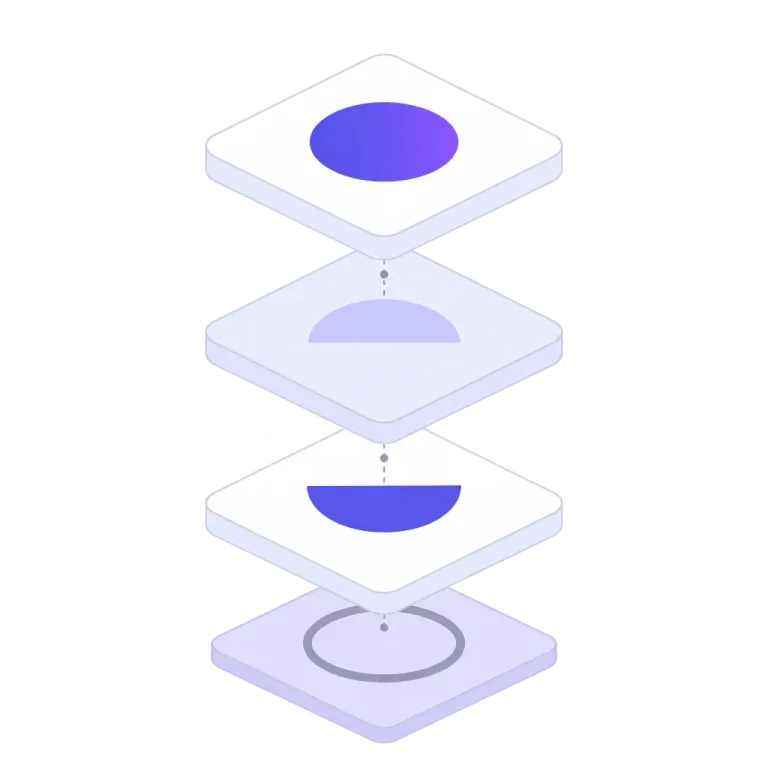
An exploded stack of four flat layers hovering apart, each carrying one colour region of a simple emblem
Stratified Ink Layers

One ink per layer, stacked in paint order.

A colour trace opens in any design tool already organised. Hide, recolour or merge layers in the preview, and every download carries your edits.

  • Group by color
  • Transparency kept
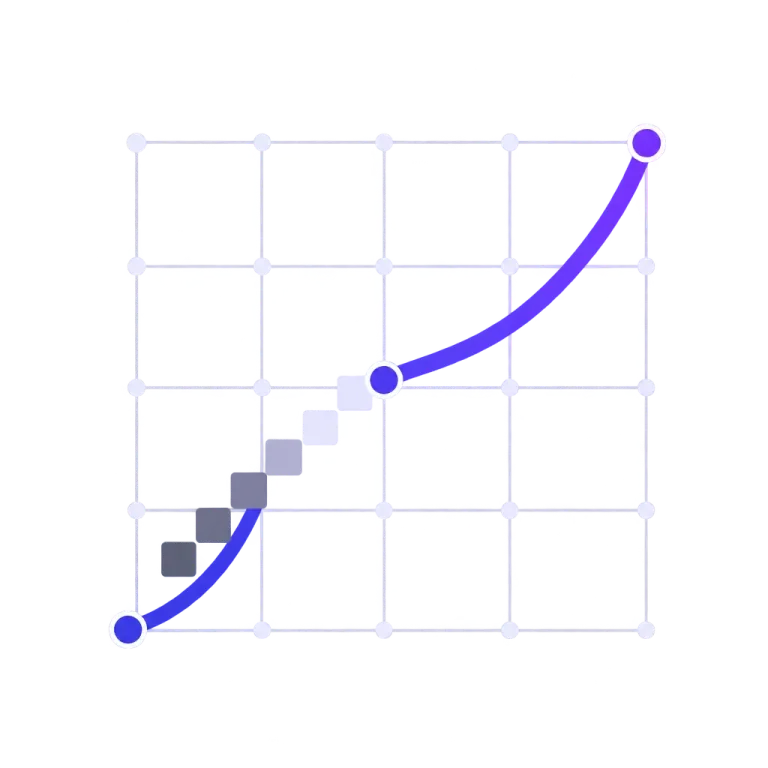
A smooth curve crossing a square pixel grid, anchor dots between the grid lines and a grey pixel staircase dissolving into the curve
Sub-Pixel Edge Placement

Boundaries land where your artwork put them — not where the pixel grid did.

An edge's true position is written into its anti-aliasing, a fraction of a pixel at a time. Unpixel reads it back and places the curve there, off the grid — then describes each boundary once, with as few Bézier anchors as the shape allows.

See how it works
  • Held within 0.1 px
  • Few anchors, light files
Image cards riding a conveyor under a scanner beam toward a fork, the indicator lamp of one path lit
Polychrome Autosense

The right mode before the first trace.

When your image carries real colour — or real tone, like a shaded pencil sketch — Unpixel opens Color mode by itself and says so. Pick a mode yourself and it stops second-guessing you.

  • Colour detected
  • Tone detected
A broom sweeping grey specks off one half of a framed artwork, the swept half clean, a small broom badge on the frame's corner
Sentinel Chips

The app tells you when it can do better.

A shadow across a photographed sketch gets an Even lighting offer; a trace carrying a pile of noise specks gets Auto-clean. One click each — and when your settings are already right, the chips stay quiet.

  • Even lighting
  • Auto-clean
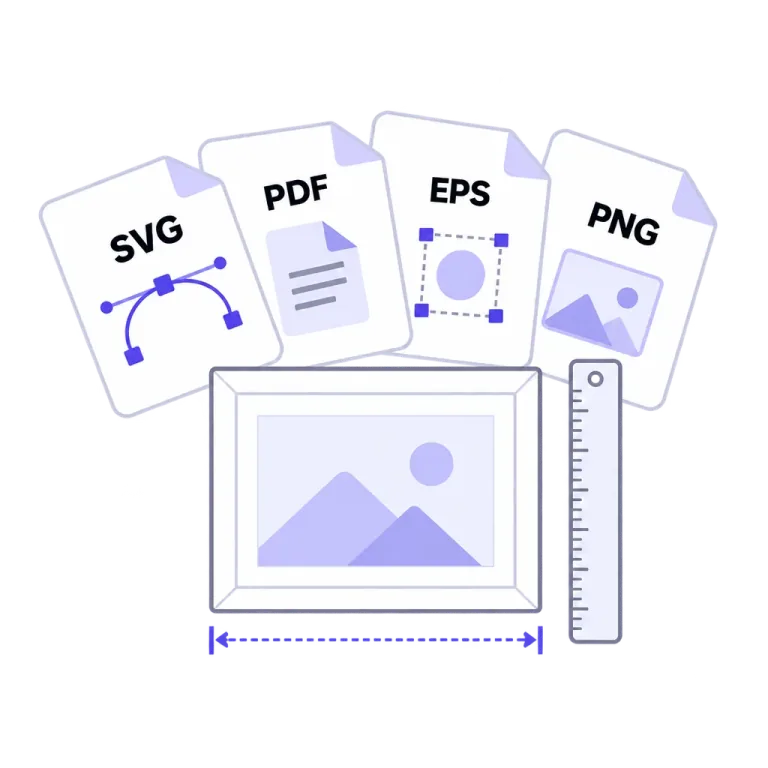
Four document cards labelled SVG, PDF, EPS and PNG above a framed print, with a ruler and a bracket measuring its width
Print-True Exports

SVG, PDF, EPS and PNG — sized in real units.

Give any export one width in px, mm or inches and the height follows your artwork. A 100 mm export measures 100.000 mm in the app that opens it, and your layer edits carry into every format.

  • PNG at 1×, 2×, 4×
  • px · mm · in
Two identical rows, each carrying the same picture through an arrow into the same machine and out to the same emblem, joined by an equals sign
The Deterministic Trace Core

Same image in, same SVG out. Every time.

Unpixel's trace core is pure, deterministic geometry — no generative model ever touches your artwork, and nothing appears in your vector that isn't in your file. Re-trace it a hundred times and you get one answer, byte for byte: what you approved is exactly what you get again.

  • No generative model
  • Byte-for-byte repeatable
Framed artworks queued at a checkpoint gate with a barrier arm, an isometric bar chart behind it with a flag on the tallest column
Golden-Gated Releases

Quality is a number here, not an adjective.

Every engine change must beat a measured record on a gated corpus of test images — a regression blocks the release — and every deploy is re-checked byte for byte against that record.

  • Gated on every change
  • Re-proven on every deploy
Under the hood

Why the edges stay true at 8× zoom

A raster edge doesn't live on the pixel grid — its true position is written into the anti-aliasing. Here is how Unpixel reads it back, next to a trace that snaps it to the grid.

1 · What the pixels record

A boundary pixel's tint records how much of it is ink. That fraction pins where the true edge — the dashed line — crosses the pixel: the position is written into the anti-aliasing itself.

2 · A grid-snapped trace

Snap that boundary to the pixel lattice and the edge can only travel along grid lines: corners everywhere, twelve anchors, and each step lands up to half a pixel from the truth.

3 · Sub-pixel placement

Unpixel reads the mixing fractions back (the ×s) and fits one curve through the recovered positions — off the grid, three anchors here, held within a tenth of a pixel.

The same edge, three ways — every tint, percentage and step above is computed from one edge crossing a 7×7 pixel grid. It is why a placed boundary stays true at 8× zoom while a snapped one shows its staircase.

Measured, not promised

A crisp logo from our test corpus, traced by engine v0.20 — the version tracing your file today — at the default settings:

99.5%pixel agreement with the source
70anchor points, in one path
2.9 KBfor the finished SVG file
0specks

Every engine change runs against the whole corpus — 44 gated traces, from logos and wordmarks to scans and phone photos — and the same image with the same settings produces the same file, byte for byte, asserted on every row of every run.

Numbers from our own evaluation corpus, built from our own artwork and measured at engine v0.20. The corpus only grows: hard cases stay in it.

The preview is free. The file is the paid part.

Trace as much as you like and judge every result at full quality before you decide anything. The plan is what turns a result into a file.

Free, unlimited

$0 every visit · no account

  • The full-quality preview of every trace, no watermark
  • Every mode and every control, live
  • Zoom to 8× and the Outlines view
  • The colour layer panel: hide, recolour, merge
  • No account, nothing to sign into
Downloads

The plan

$9.99 / month · USD

  • Download SVG, PDF & EPS — unlimited
  • PNG at 1–4×; sizes in px, mm or inches
  • Full-colour tracing in per-ink layers you can edit
  • No account: pay with an email address, keep the link
  • Cancel any time; a first subscription has a 14-day no-questions refund

Trace something. The preview is the demo.

Full quality, no watermark, no account — see your own artwork first.

Open the converter